Compact, professional Wi-Fi site survey device
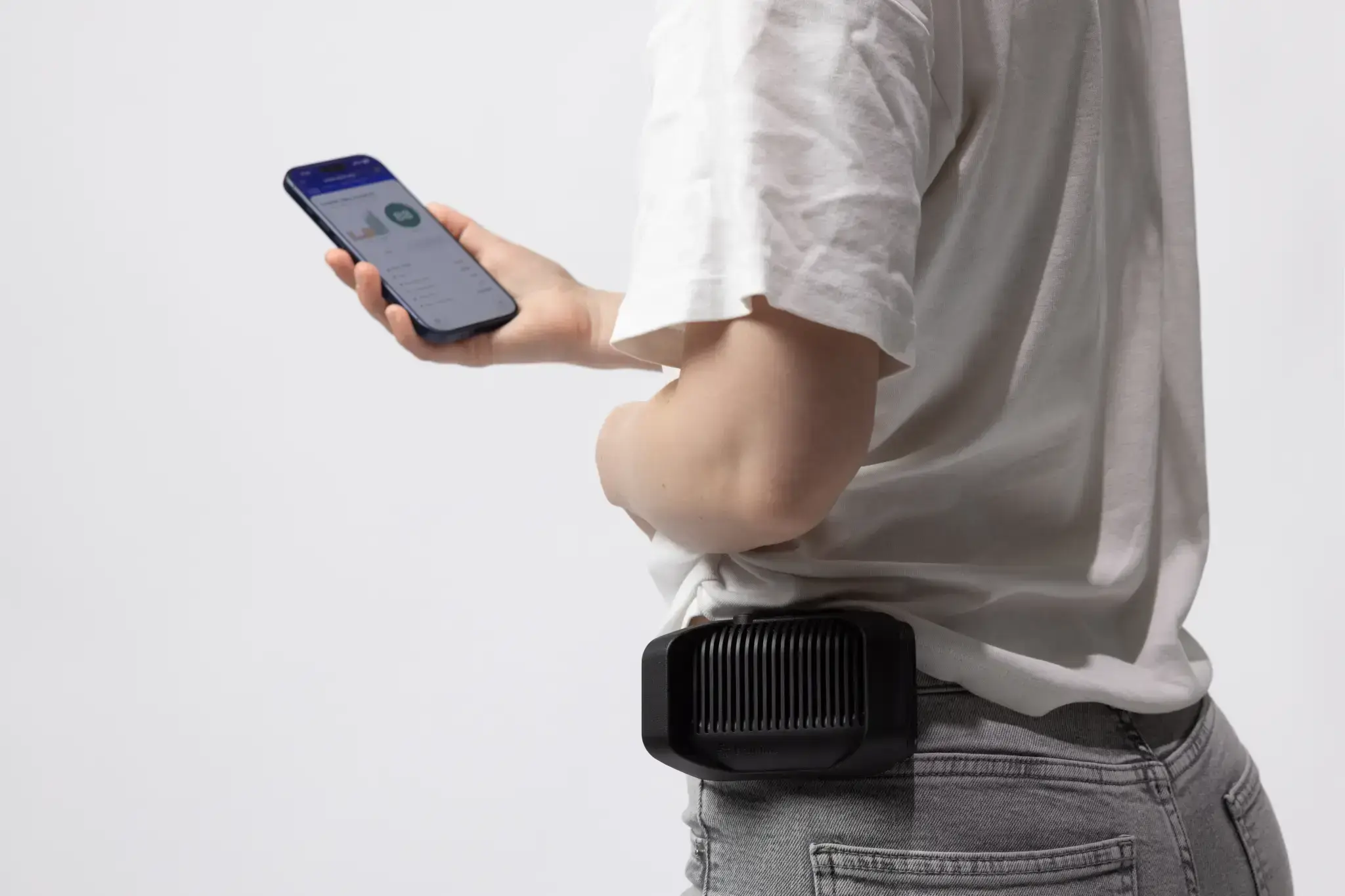
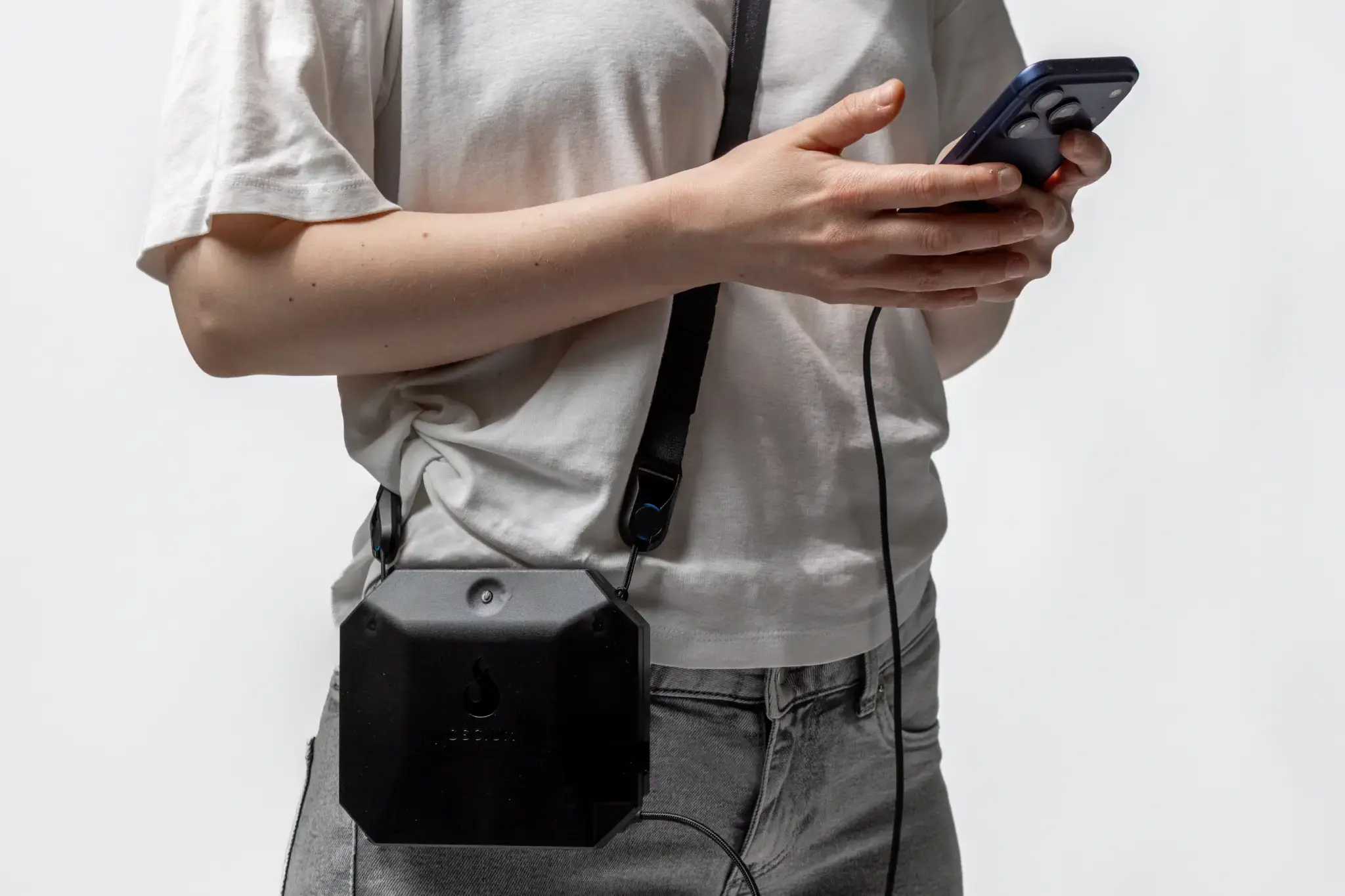
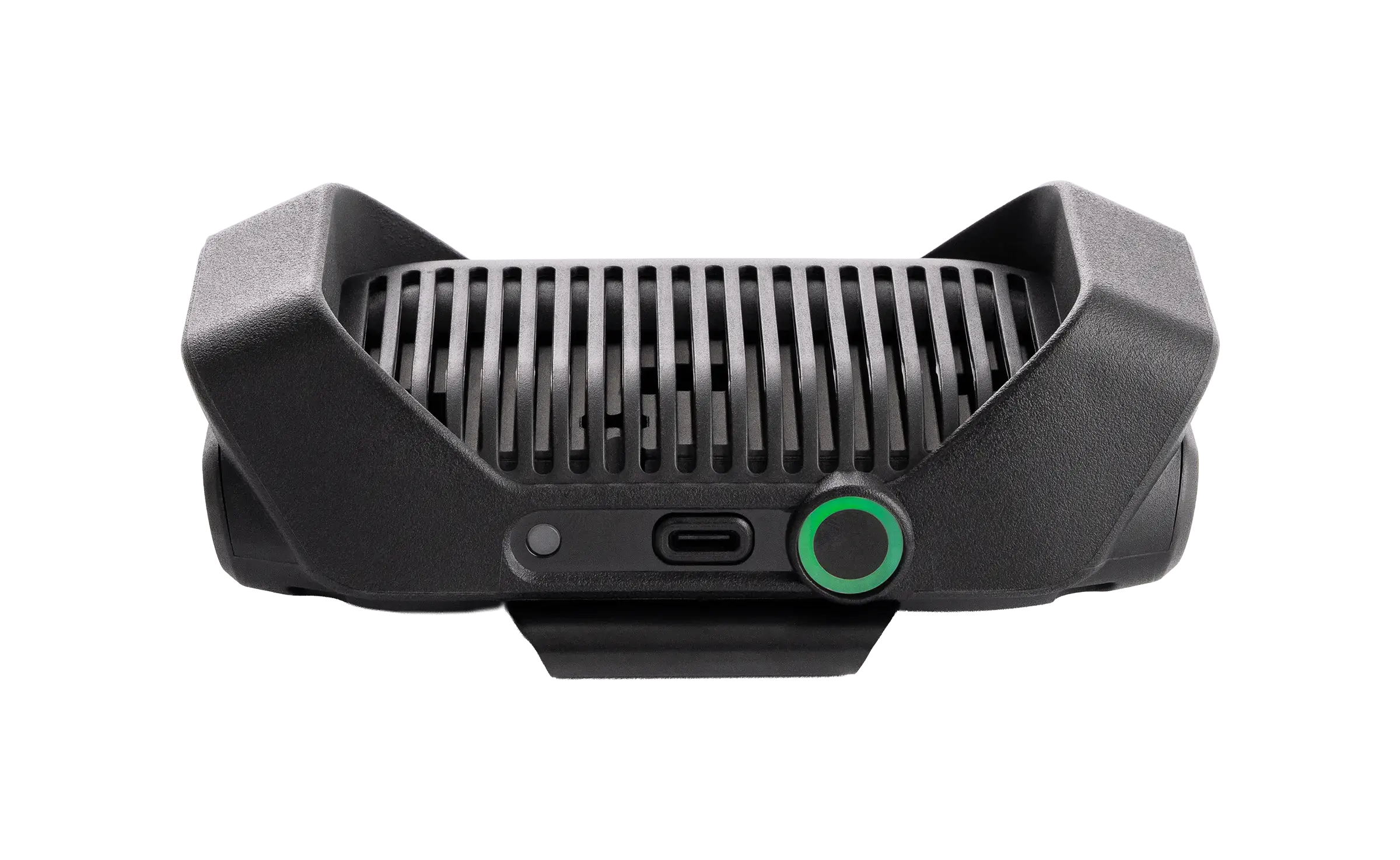
Hamina Onsite paired with Hamina Clip provides ultimate convenience, reliability and performance for enterprise site surveys. No cables. Clips on your belt. Takes up almost no room in your bag.
Wi-Fi Network Validation & Diagnostics
Need to validate, optimize, or troubleshoot your Wi-Fi performance? Hamina Onsite paired with Hamina Clip is the professional Wi-Fi Site Survey tool kit you can trust - and learn in 2 minutes.
Easy for a first-time user, trusted by wireless pros!
Hamina Onsite paired with Hamina Clip provides ultimate convenience, reliability and performance for enterprise site surveys. No cables. Clips on your belt. Takes up almost no room in your bag.
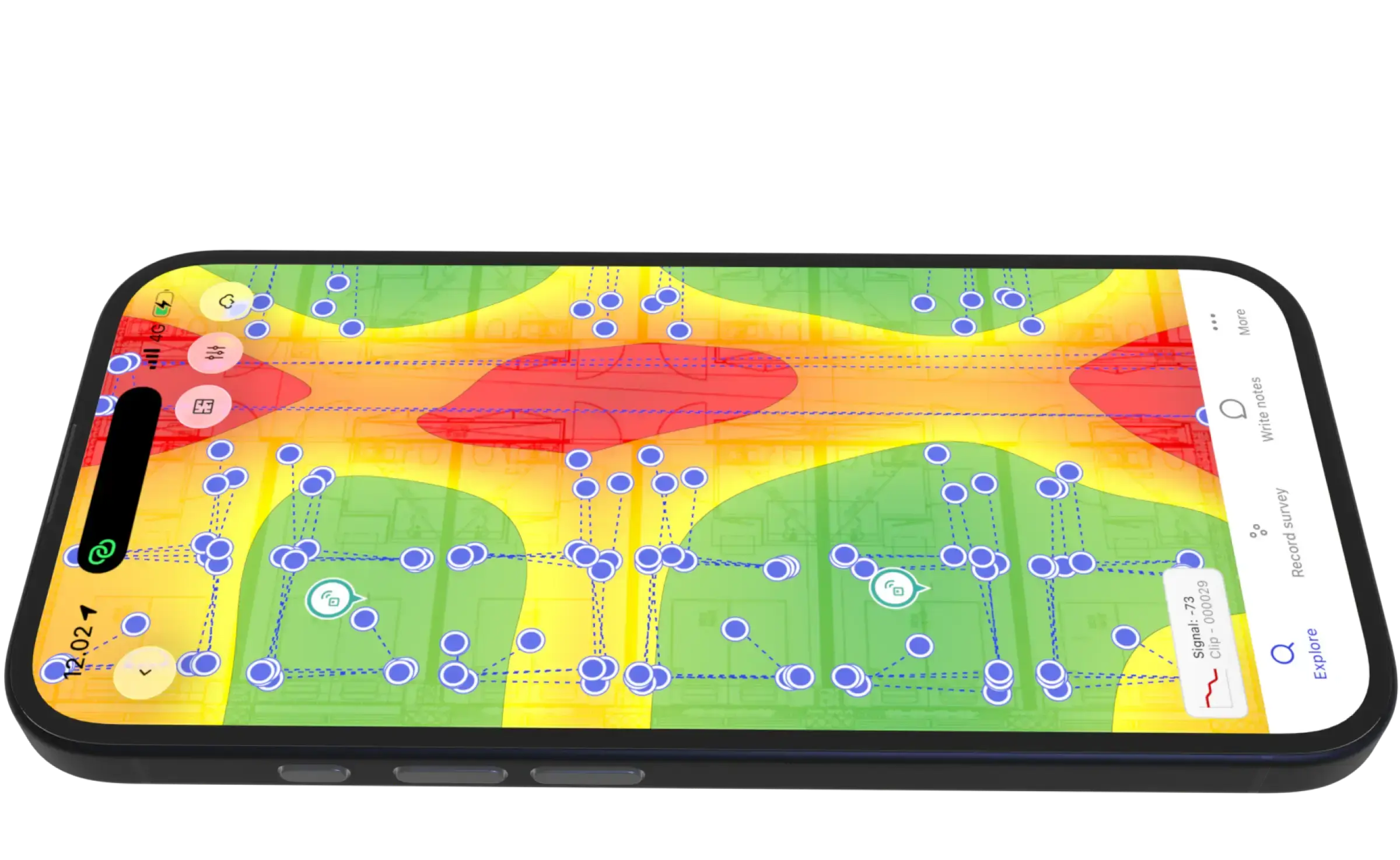
Heatmaps update live while you survey. Validate signal coverage, secondary coverage, tertiary coverage, SNR, and interference. Perform real-time analysis of your Wi-Fi access points (and your neighbor's access points).
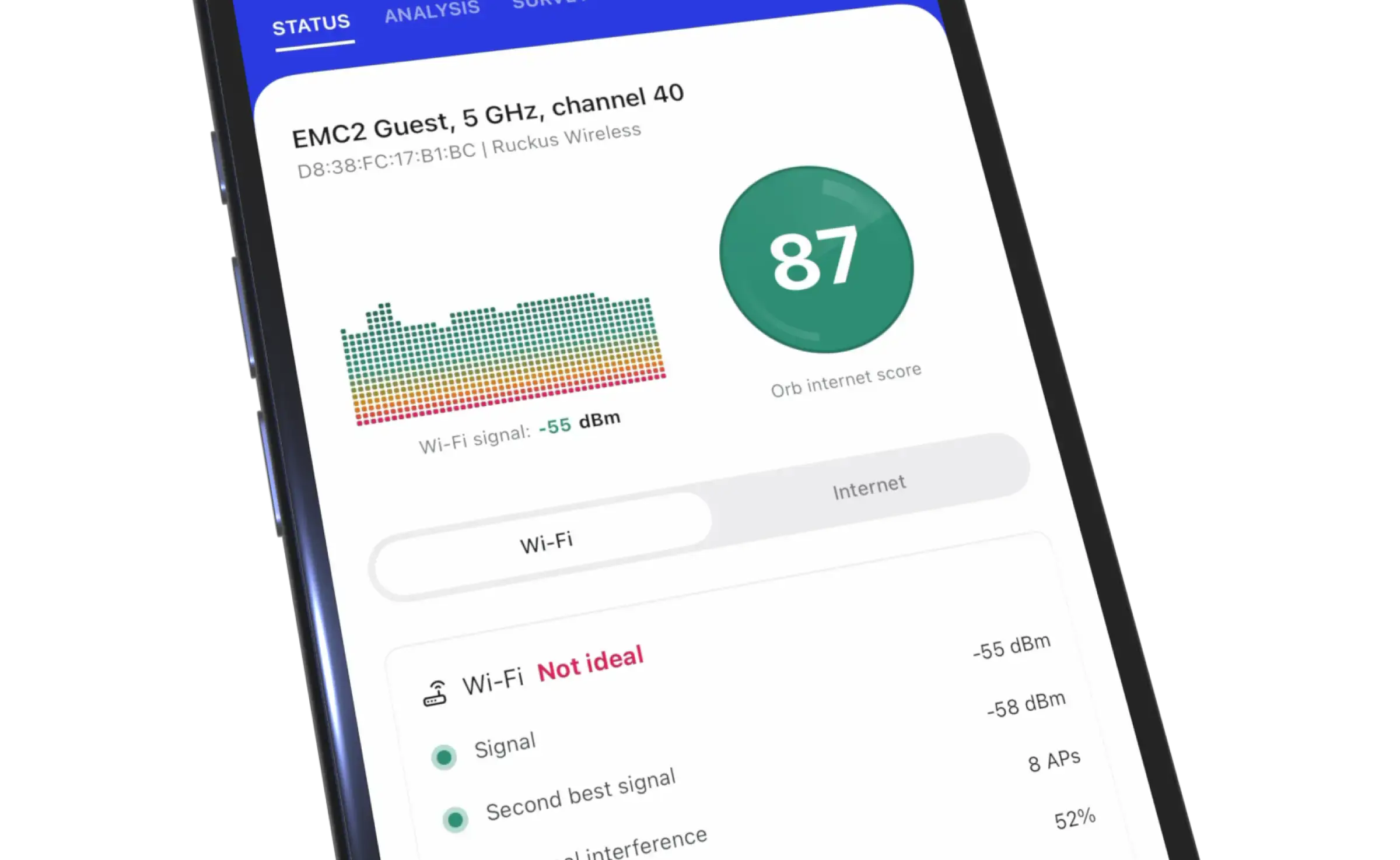
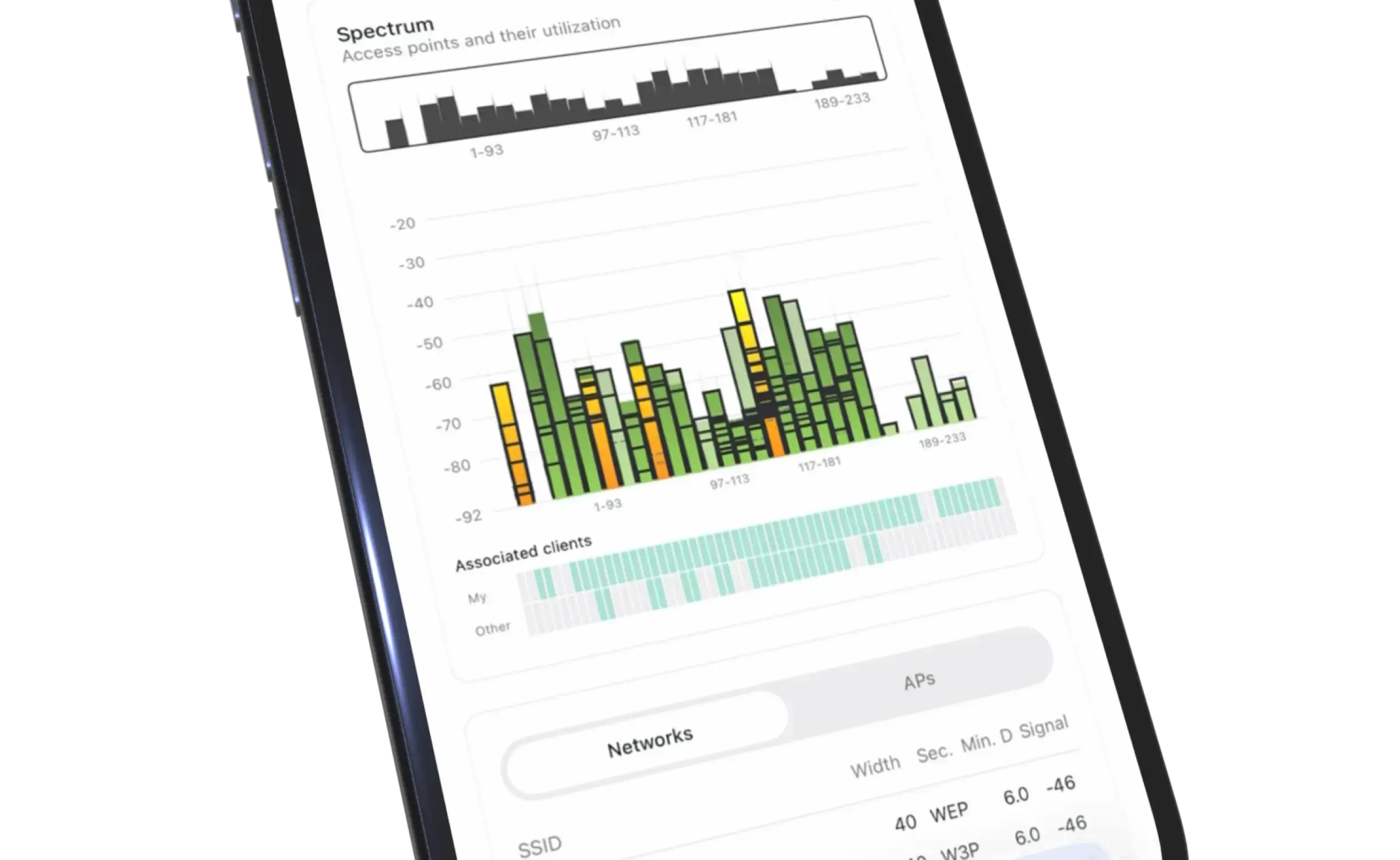
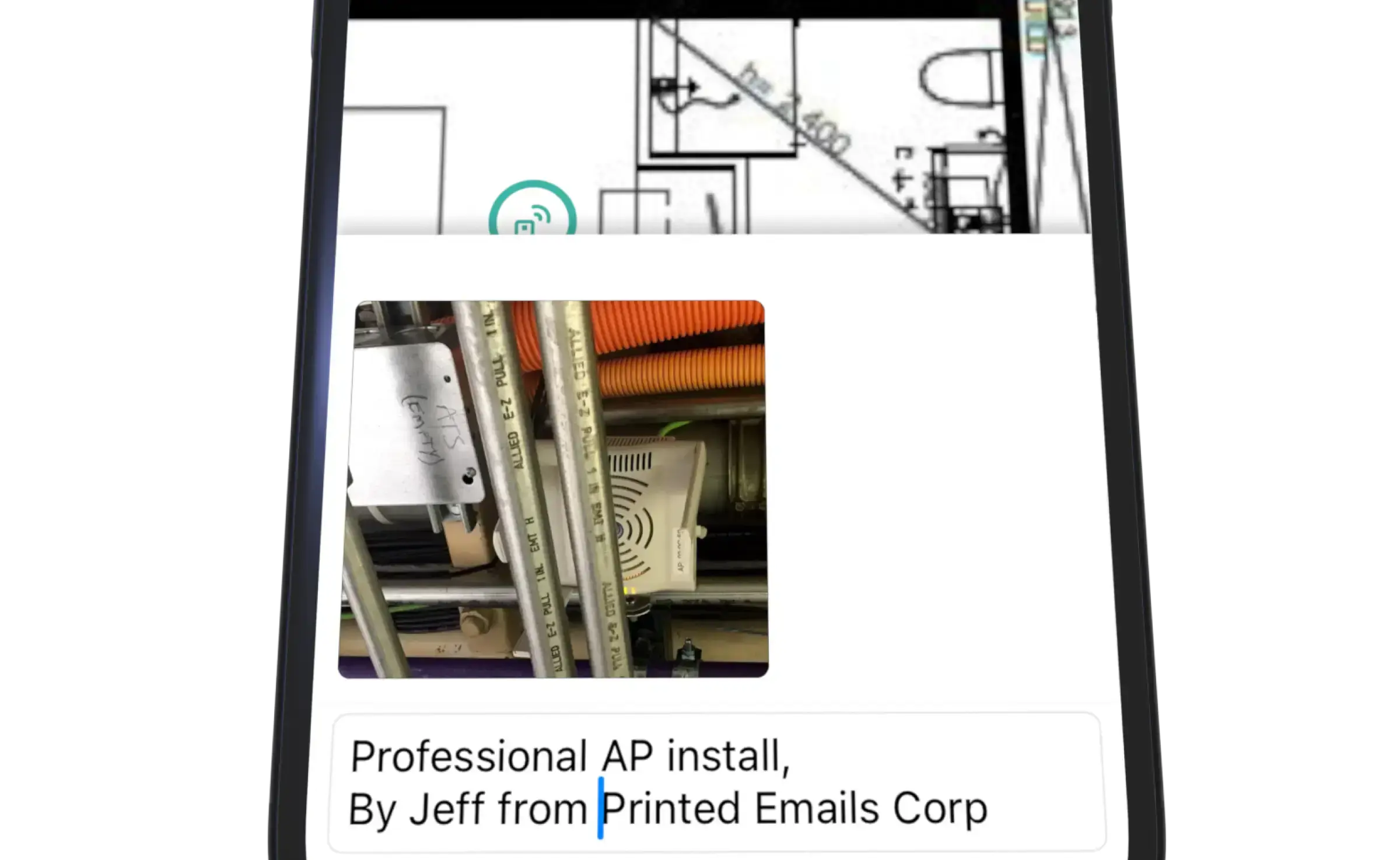
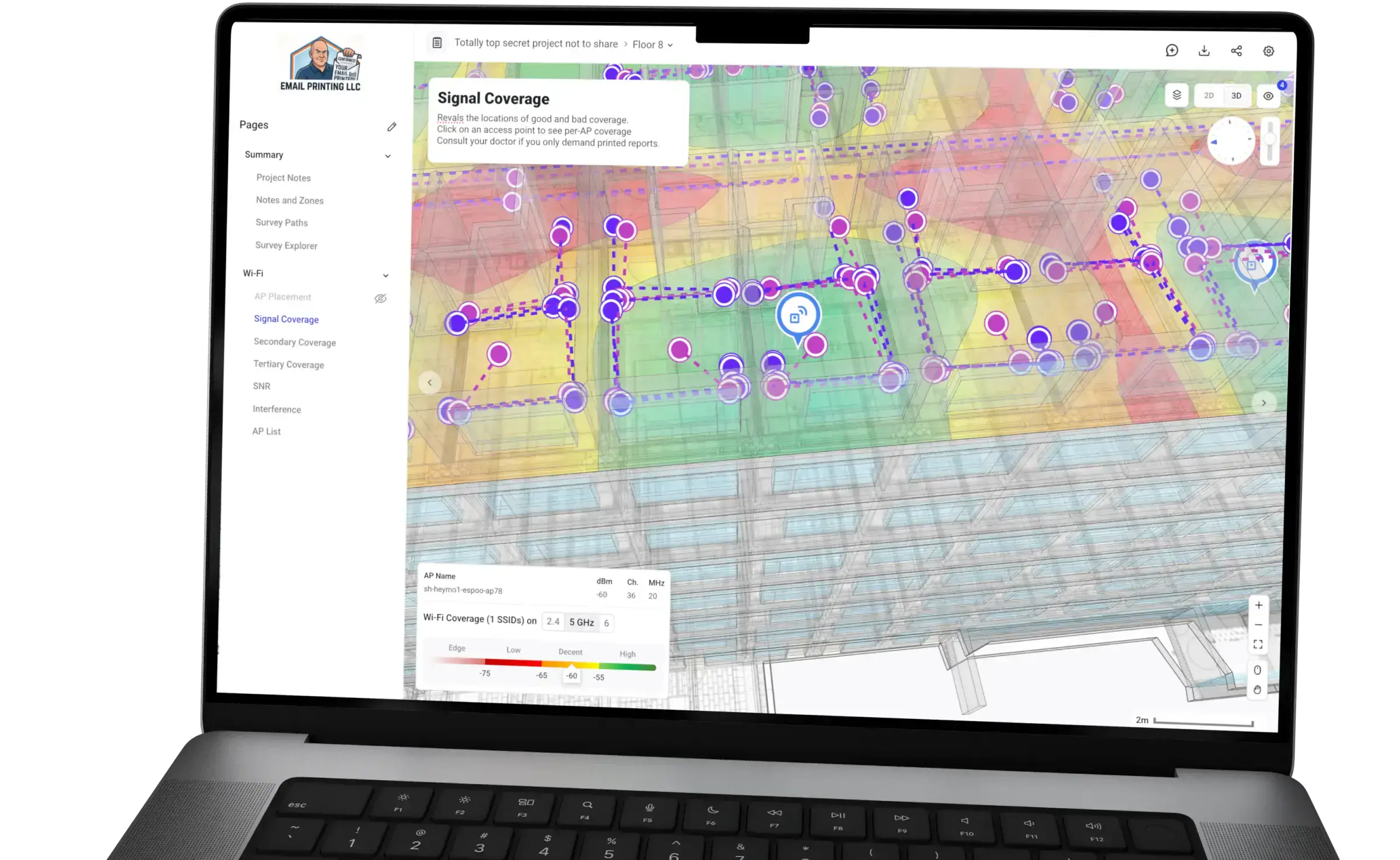
From design to deployment, deployment to validation, all in one project. Survey your new network to make sure it meets your design requirements. Use measured data to improve your design accuracy.
Want to design in the real world? No problem for Hamina Onsite! Pop an AP on a Wi-Fi Stand, and survey around it with ease to see the real-world coverage, all before you commit to putting the AP on the ceiling.
Hamina Onsite works offline. When you're back online, the gathered data will be synchronized to the Hamina cloud for deeper analysis.
Multiple people can survey a single project simultaneously - either the same floor, or different floors. It's super-easy to share the projects to individuals and teams in Hamina, too. Licensing is per-user.
Troubleshoot issues on the spot, in real-time. See your network configuration, connection quality, access points and their properties, channel utilization (airtime), and client counts per AP and radio. See real-time spectrum analysis for 2.4, 5, and 6 GHz bands with supported devices.
Use Hamina Onsite to design anywhere: offices, warehouses, hospitals, outdoors, cruise ships, and even spaceships, if you have one of those. If you do, let us know. We'd love to hear about it.
Analyze heatmaps, from Wi-Fi signal coverage to interference and from channel utilization to secondary (redundancy) coverage - and more. Locate APs accurately after the survey or on-site.
Hamina devices play nice with others, supporting third party applications: Airtool (Pi) for packet captures, Wi-Fi Explorer (Pi) for signal analysis.
Choose the device that fits your workflow
* cable can be used as a backup in chaotic wireless environments